
GM39 General Wireless Microphone iPhone
How to Use
Step 1: Plug the iPhone receiver into your Android phone.
Step 2: Press the switch key on the microphone until the green light appears.
Step 3: Once the red light on the receiver stays on, open your Camera or recording app and start using the mic.
If your phone battery is low during live use, you can charge it directly through the receiver’s Type-C pass-through port.
ID Diagram
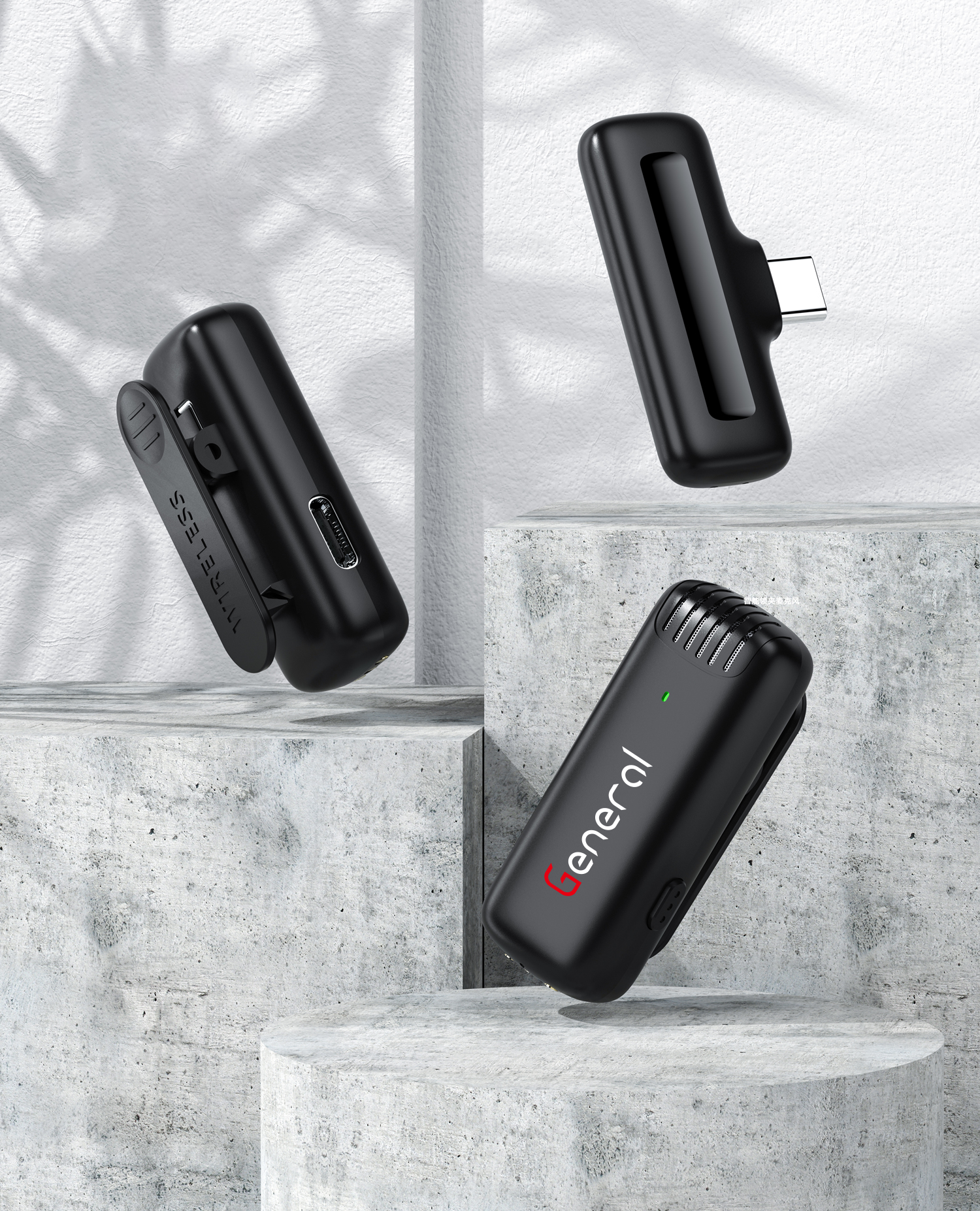
Windproof Net
Microphone Indicator
Type-C Charging Port (on mic)
Microphone Clip
Power Button
Lightning Port (connects to iPhone)
Receiver Indicator Light
Receiver
Charging Box Type-C Port
Charging Box Indicator Light


LED Indicator Guide
Microphone Transmitter
Power On: Hold button 3 seconds → LED flashes red & green
Power Off: Hold button 3 seconds → LED turns off
Not Paired: LED flashes red & green
Connected: Green on, red off (alternating)
Noise Reduction: Green light on
Reverb Mode: Triple click → Red blinks once, then green stays on
Mute Mic: Double click → Green flashes, red off
Charging: Red light on, green off
Fully Charged: All lights off
Low Battery: Red light flashes every 10 sec
iPhone Receiver
Power On (plug in): Blinking red light
Connected: Solid red light
Unpaired: Blinking red light
Power Off (unplug): Light off
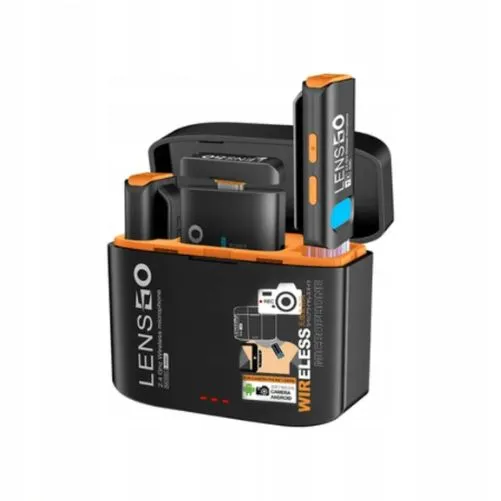
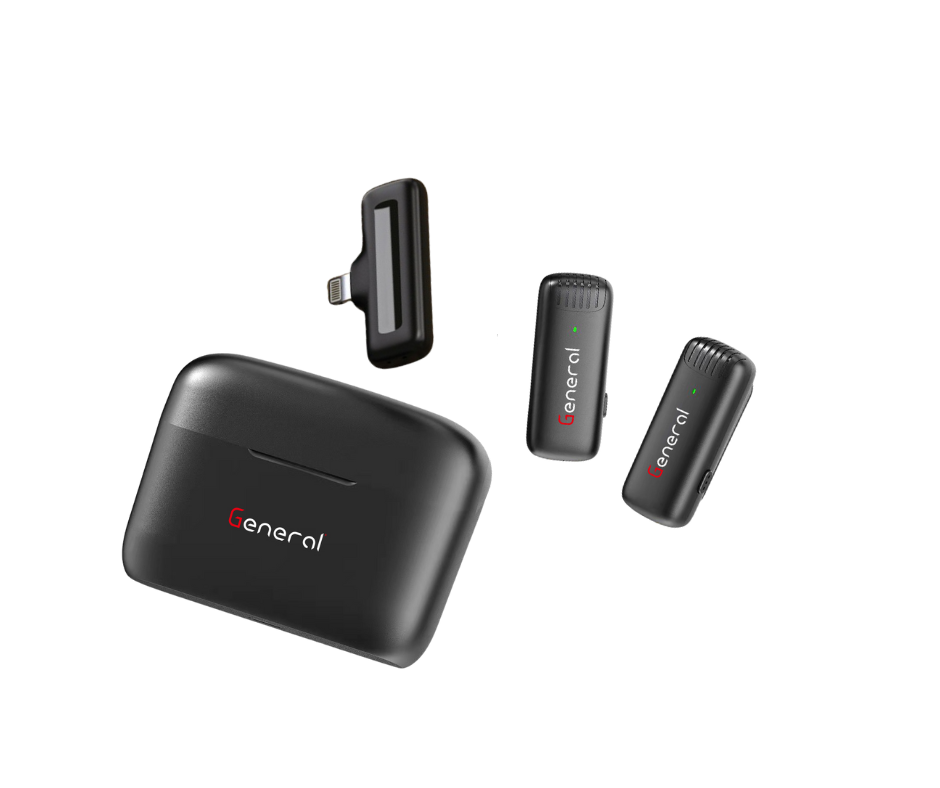
What’s in the Box
1× Microphone Transmitter
1× Receiver (Lightning)
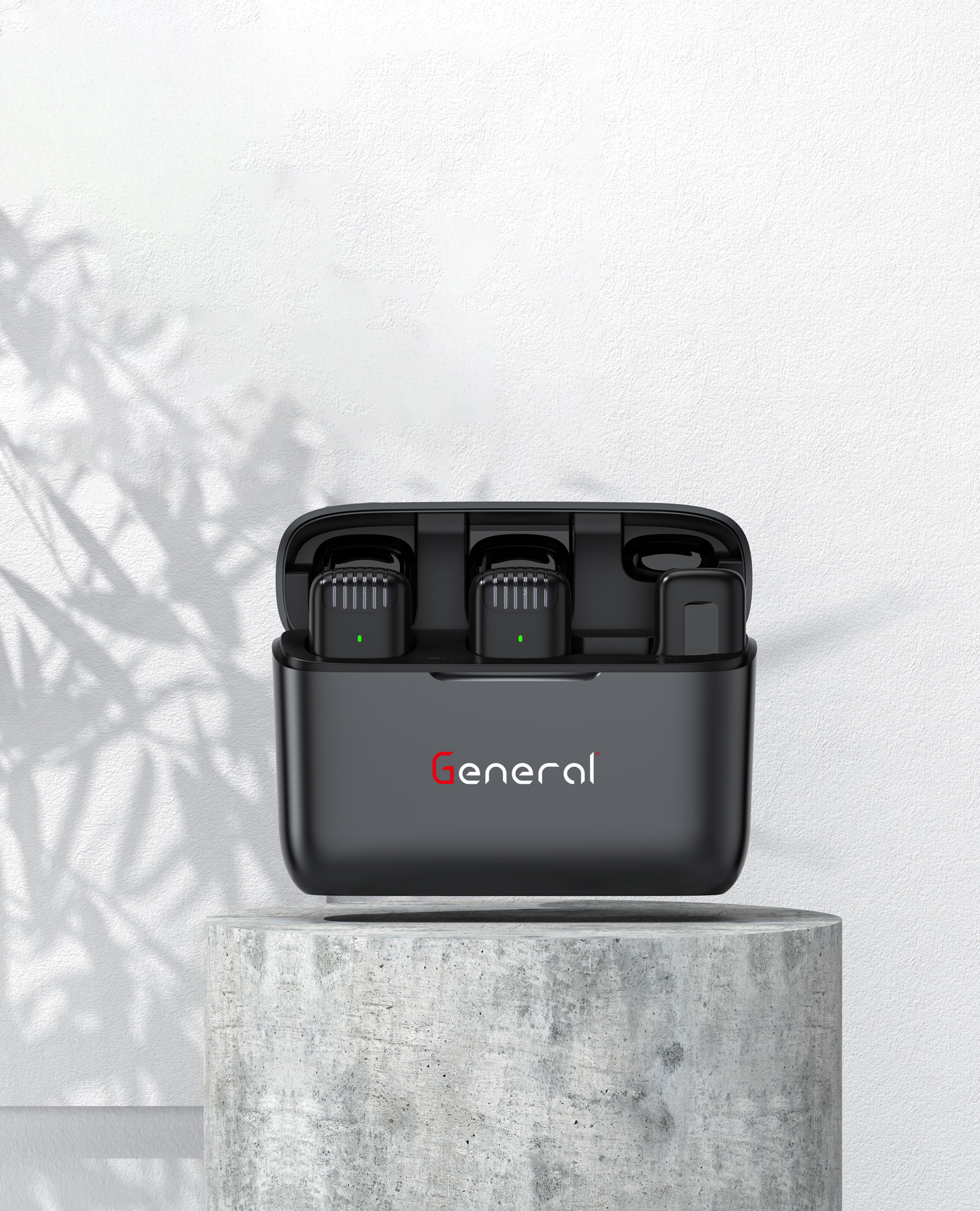
1× Charging Box
1× Charging Cable
1× User Manual